
Private photo vault for iPhone
Hide private photos and videos. Keep them on your phone.
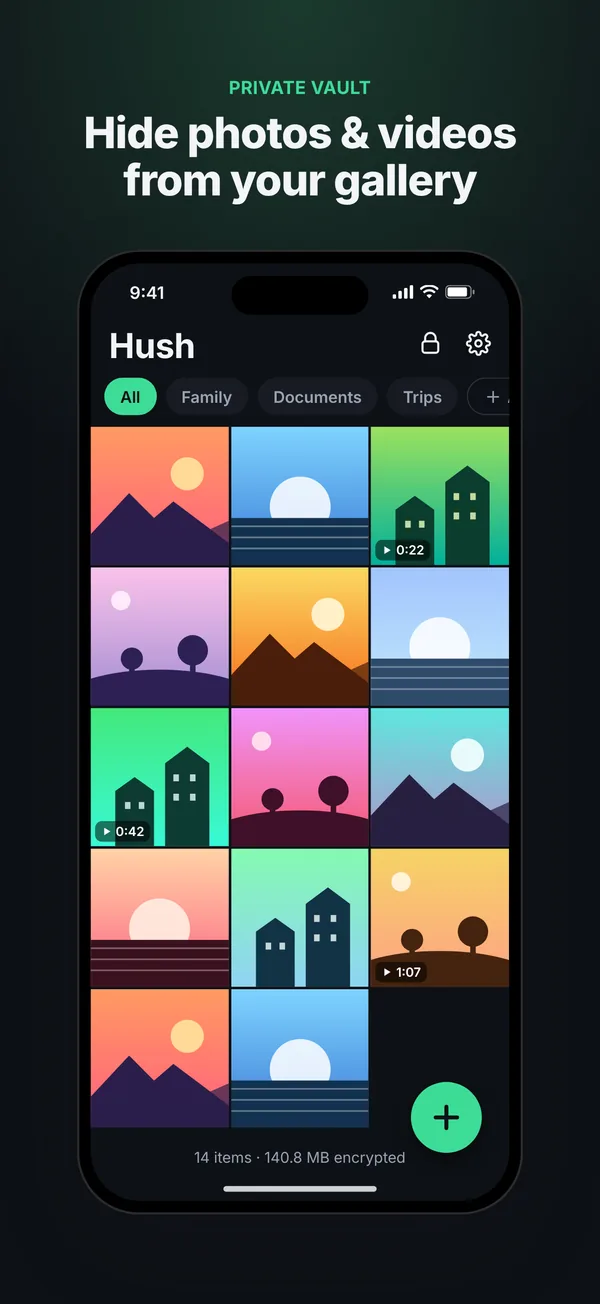
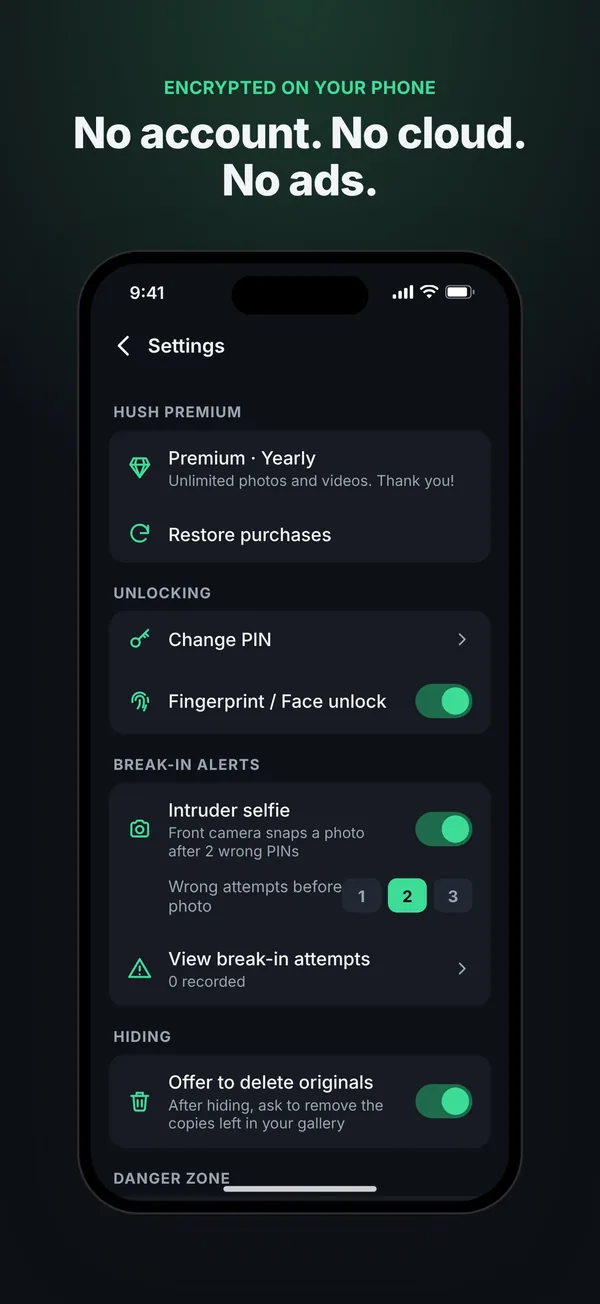
Hush moves photos out of your gallery into an encrypted vault that only you can open. No account, no cloud, no ads.
Why Hush
The iPhone's Hidden album opens with your phone passcode, and apps with full photo access can read it. Hush gives your private photos a separate lock and keeps them off the cloud.
Encrypted on your phone
Every photo and video is encrypted on the device with XChaCha20-Poly1305. Nothing is uploaded.
Its own PIN
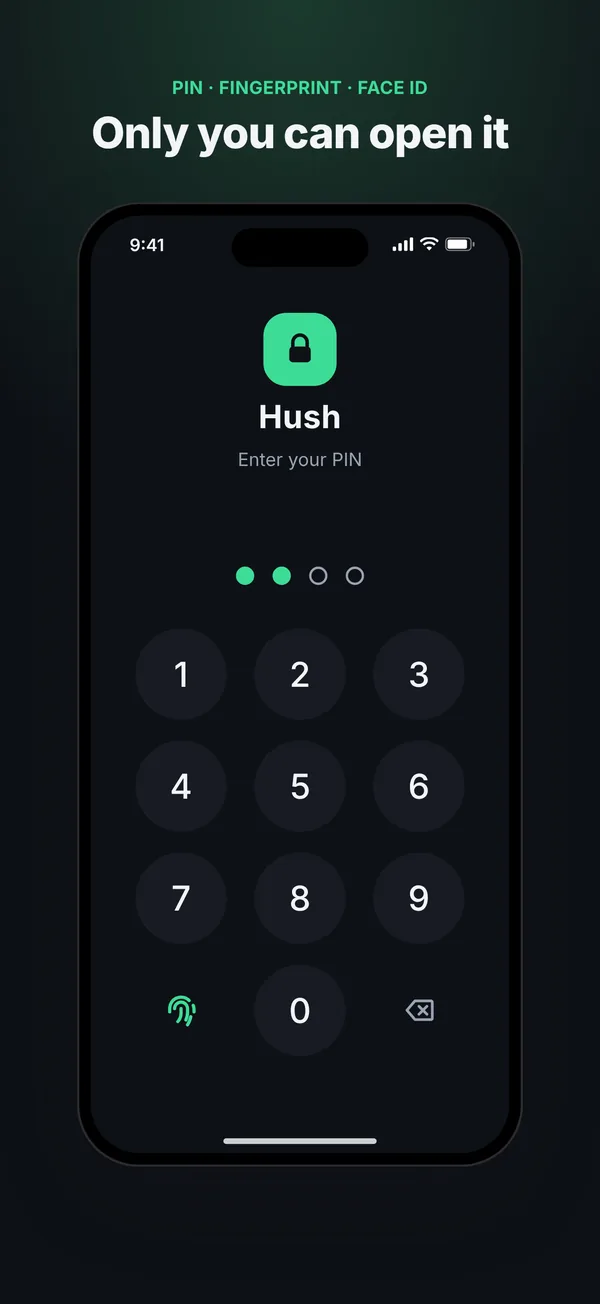
A 4- or 6-digit PIN that isn't your phone passcode, with optional Face ID.
Break-in photos
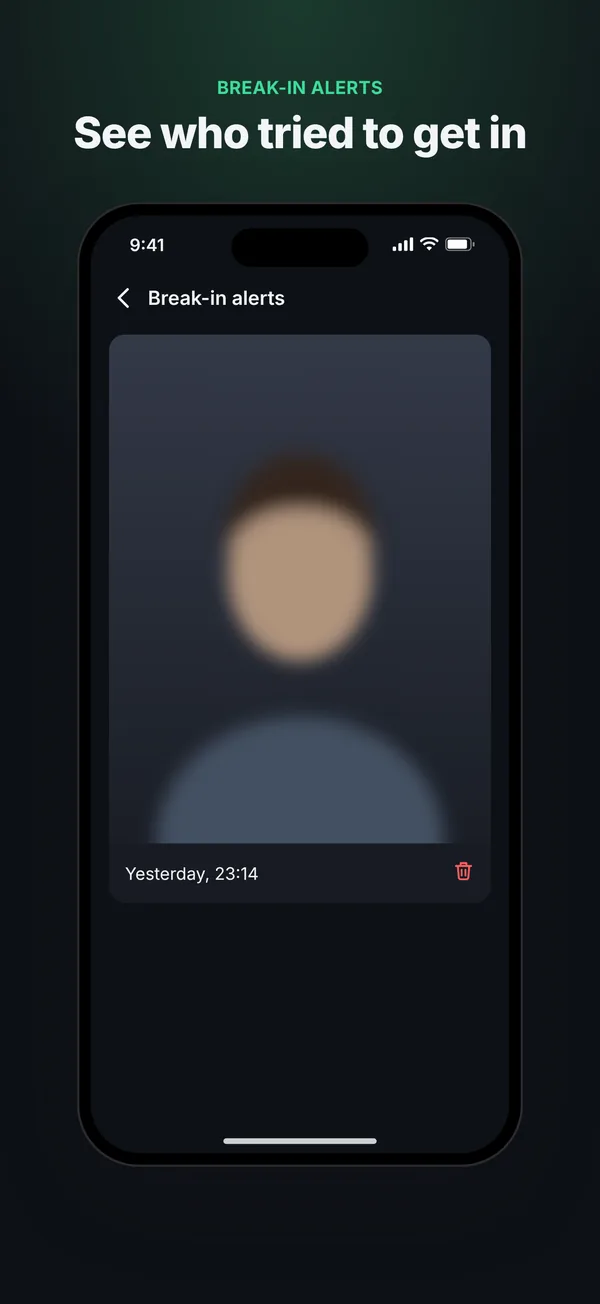
See who tried to get in: Hush can photograph anyone who enters the wrong PIN (Premium, included in the free trial).
Private camera
Shoot photos and videos straight into the vault, so they never touch your camera roll.
Albums and restore
Organize hidden files into albums, and restore them to your gallery any time.
No account, no ads
No sign-up, no tracking, no ads. Screenshots are blocked and the vault locks when you leave the app.
Privacy guides
Plain-English guides to keeping your iPhone, photos and accounts private.
Questions
Where are my photos stored in Hush?
Only on your iPhone. Each file is encrypted on the device with XChaCha20-Poly1305 and the key stays in the iPhone's secure keystore. Hush has no servers that receive your photos.
Do I need an account?
No. There's nothing to sign up for. Open the app, set a PIN and start hiding photos.
Is Hush free?
Yes. You can hide up to 10 photos and 1 video for free. Hush Premium removes the limit and adds break-in photos; the yearly plan starts with a 14-day free trial, or you can pay once for lifetime access.
What happens if I get a new phone?
Because nothing is uploaded, your vault doesn't move automatically. Before switching, select everything in Hush and tap Restore to put the files back in your gallery, then hide them again on the new phone.
How is Hush different from the iPhone Hidden album?
The Hidden album opens with your phone passcode and can be read by apps with full photo access. Hush has its own PIN, keeps photos out of your library, and nothing is copied to iCloud.